Keep Your Guest Data Organized with Bookinglayer CRM Integrations
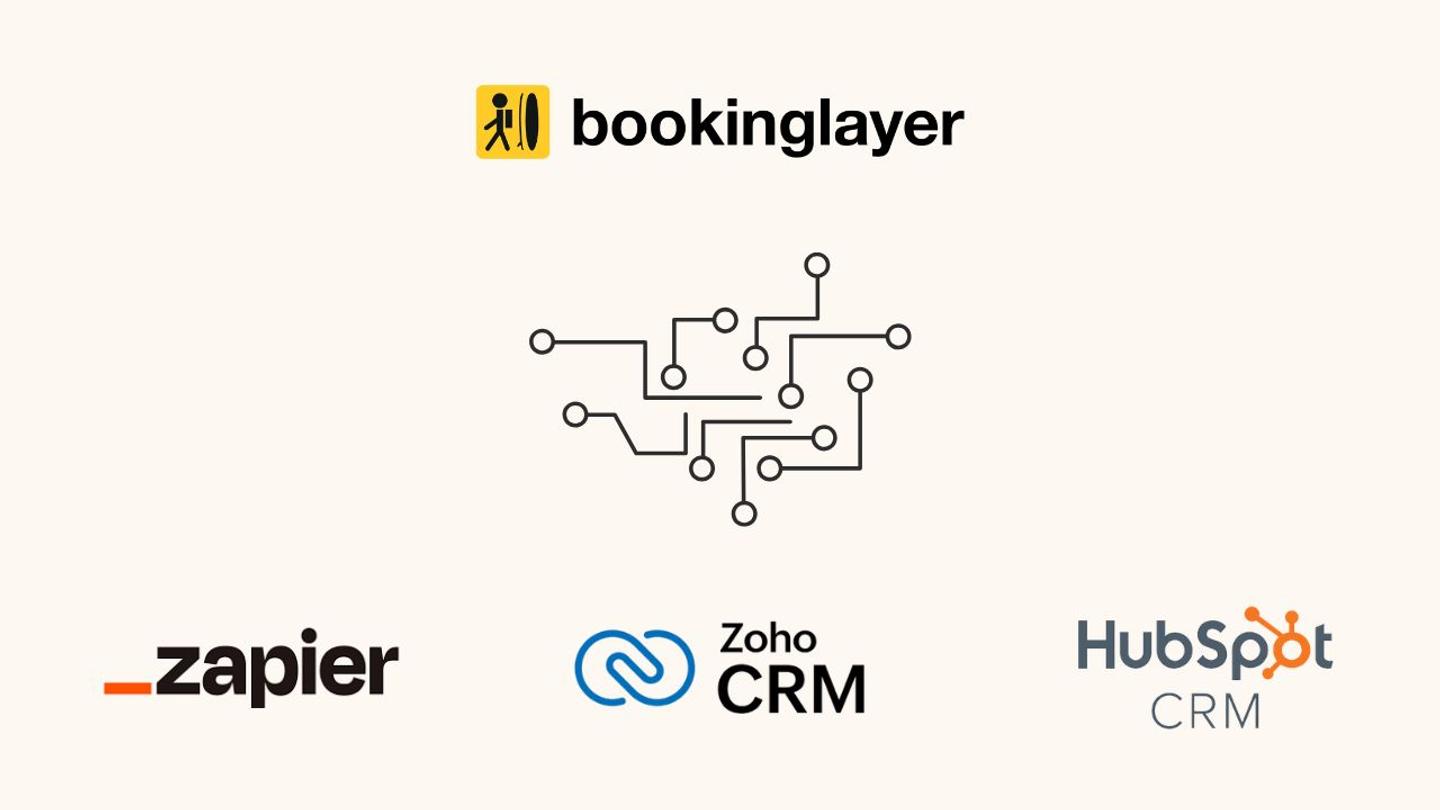
To give growing businesses a more structured sales pipeline, Bookinglayer integrates directly with HubSpot and ZohoCRM. Clients can also use Zapier. Learn more.
For many experience-based businesses, guest information ends up scattered.
Inquiries sit in one place. Bookings in another. Follow-ups happen manually, or not at all. Over time, it becomes harder to track who your guests are, what they’ve booked, and how to stay in touch with them.
Bookinglayer helps centralize that.
While it’s primarily a booking system, it also acts as a lightweight CRM, storing guest profiles, booking history, communication, and key details in one place. And, for businesses that want to take it a step further, Bookinglayer integrates with popular CRM platforms.
Start With What You Already Have
Every time a guest interacts with your business, submits an inquiry, makes a booking, or updates their details, that information is stored in Bookinglayer.
This gives you a clear view of:
- Guest contact details
- Booking history
- Payment status
- Preferences and notes
For many businesses, this already covers the essentials for managing guest relationships without adding another tool.
When You Need a Dedicated CRM
As your business grows, you might want more structured sales pipelines, automation, or reporting. To achieve this, Bookinglayer integrates directly with HubSpot and ZohoCRM.
This means you don’t have to manually move data between systems. Your CRM stays updated based on real booking activity.
Need Something Else? Use Zapier
If you’re using a different CRM, Bookinglayer can still fit into your setup.
Through Zapier, you can connect Bookinglayer to a wide range of CRM platforms. This allows you to:
- Send new leads into your CRM
- Update contact records based on bookings
- Trigger follow-ups or workflows
Zapier gives you flexibility without needing a custom integration.
A More Connected Way to Manage Guest Relationships
Whether you rely on Bookinglayer as your main system or connect it to a dedicated CRM, the goal is the same: Keep your guest data consistent, accessible, and tied to real booking activity.
Instead of managing contacts, bookings, and communication in separate tools, you can bring everything into one connected workflow. With this, your team spends less time organizing data and more time focusing on guests.
Could this work for your setup?
If you’re currently juggling multiple systems to manage leads, bookings, and guest communication, it might be time to simplify.
You can request a demo to see how Bookinglayer connects booking data with your CRM and day-to-day operations.